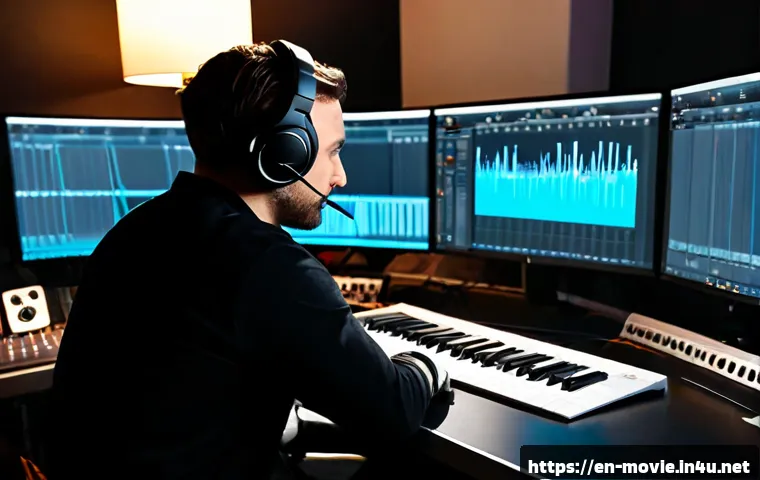
The fastest way to improve film sound is to plan each scene’s emotional purpose before adding effects, then clean dialogue before building atmosphere.
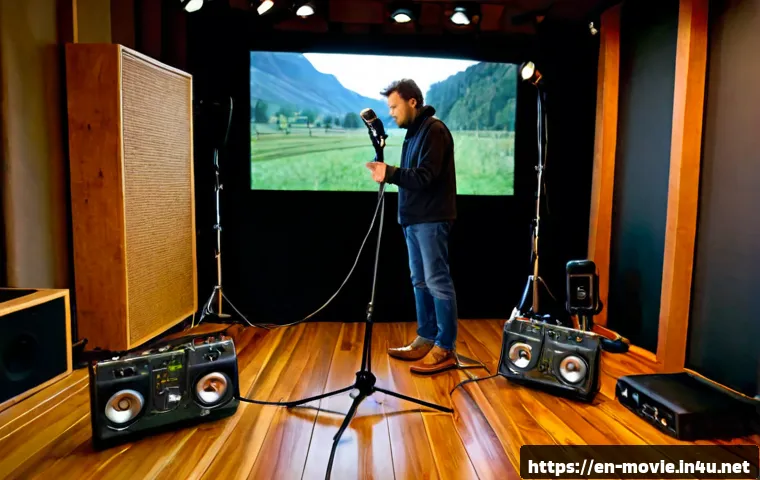
Keep repeatable tasks in-house when the edit is stable, use sound effects libraries for speed and coverage, and consider professional help for difficult repair, custom Foley, complex delivery, or revision-heavy work.
A strong soundtrack is rarely about adding more layers; it is about choosing the right layers and placing them with intention. Your workflow should protect dialogue clarity, maintain believable perspective, and leave room for silence and contrast.
Audio post-production software, restoration plugins, and monitoring gear can streamline the process, but they do not replace a clear spotting plan. Before buying a tool or requesting freelance sound design quotes, define the scene needs, delivery requirements, and licensing expectations.
At a Glance
- Handle dialogue cleanup and organized ambience in-house when the edit is stable and the sound needs are predictable.
- Use sound effects libraries and audio plugins when speed, broad coverage, and repeatable workflows matter most.
- Consider a freelance sound designer or re-recording mixer for difficult dialogue repair, custom Foley, complex mixes, or revision-sensitive delivery.
| Audio Approach | Best Fit | Main Advantage | Key Check Before Choosing |
|---|---|---|---|
| Stock sound effects library | Fast-turnaround edits and broad everyday coverage | Quick access to varied ambience, transitions, and effects | Confirm the license scope and required delivery use |
| Custom field recording | Distinct locations, objects, or story-specific sounds | More control over authenticity and perspective | Allow time for recording, editing, and replacement takes |
| Audio post-production plugins | Dialogue cleanup, restoration, spatial effects, and mix preparation | Repeatable processing inside an organized workflow | Check compatibility, learning curve, and source quality |
| Freelance sound design services | Complex scenes, custom Foley, challenging dialogue, or multiple revisions | Specialized judgment across design, editing, and mix preparation | Define scope, deliverables, revisions, and licensing responsibilities |
Start With the Story, Not the Sound Effects
The best practical film sound design tip is simple: decide what the audience should feel and understand before searching for effects. A sound effect is not useful merely because it is realistic. It needs to support the scene’s point of view, pacing, tension, or emotional shift. Start with the story question, then build only the sound layers that answer it.
Identify the Emotional Job of Each Scene
For every scene, write a short note about its emotional job. Is the scene meant to feel safe, exposed, rushed, intimate, uneasy, or empty? A kitchen can sound warm and lived-in, or cold and isolating, depending on which details you feature and which details you remove. This decision prevents random layering and makes later mix choices easier.
Also identify the scene’s main listening priority. In dialogue-led scenes, the voice may need to carry most of the meaning. In a suspense sequence, a distant mechanical tone or a sudden lack of ambience may matter more than literal detail. Do not let decorative effects compete with the narrative.
Create a Spotting List Before Opening the Timeline
A spotting list is a scene-by-scene checklist of required sound work. Include dialogue issues, room tone needs, ambience changes, Foley actions, story effects, transitions, music handoffs, and moments where silence is intentional. This is especially useful before purchasing a sound effects library or asking for freelance sound design quotes, because it turns a vague request into a visible scope.
Keep the list practical. Mark what is essential, what is helpful, and what can be dropped if time becomes tight. A stable edit makes this process more efficient; a constantly changing cut increases revision risk for both DIY work and outsourced audio post-production.
Prioritize Intelligibility, Perspective, and Continuity
Use three priorities to make fast decisions: intelligibility, perspective, and continuity. First, can the audience understand what matters? Second, does each sound feel as near, far, open, enclosed, or off-screen as the image suggests? Third, does the environment remain believable across cuts?
When these priorities conflict, protect the story first. A technically interesting effect should not mask a key line. Likewise, a beautiful ambience bed can become distracting if it changes abruptly between matching shots without a story reason.
Choose the Right Audio Approach for Your Budget and Schedule
There is no single best purchase for every film. The right approach depends on whether you need speed, originality, technical repair, or reliable revisions. Build your audio plan around the work that must be custom, then use libraries and plugins for the repeatable parts.
Stock Sound Libraries vs. Custom Field Recording
A sound effects library can be a practical choice for common doors, vehicles, weather, crowds, household details, transitions, and general ambience. It is useful when you need coverage quickly and when the picture edit is unlikely to change significantly. Searchable metadata and consistent file organization can save substantial time in audio post-production.
Custom field recording is more valuable when the location, object, or sound behavior is central to the story. It can also help when stock material feels too generic or does not match the camera perspective. However, recording your own material creates extra work: capture, labeling, editing, backup, and integration. Confirm library licensing terms or recording permissions before committing material to a final deliverable.
Essential Plugin Categories: Cleanup, Restoration, Spatial Effects, and Mixing
Instead of collecting plugins without a purpose, choose categories that solve known problems. Cleanup and restoration tools can help address unwanted noise, hum, clicks, or inconsistent dialogue. Spatial effects can help place sound in an environment, while mixing tools support level control, tonal balance, and automation.
Use processing carefully. Aggressive dialogue restoration may create artifacts, and excessive reverb can make a scene feel distant or unclear. Test audio post-production software with representative clips from your project, not just ideal source audio. Plugin compatibility and performance should be confirmed for your editing and mixing setup.
When a Freelance Sound Designer or Re-Recording Mixer Adds More Value
A freelance sound designer may add the most value when your film needs a coherent sonic identity rather than isolated effects. This can include custom sound creation, detailed Foley recording, scene transitions, and a structured path from edit to final mix. A re-recording mixer may be especially helpful when many dialogue, effects, and music elements need to work together under delivery constraints.
Ask for a quote only after you can share the current cut, spotting needs, expected delivery format, revision process, and ownership or licensing expectations. Rates and scope vary by project length, region, technical complexity, and revision requirements. A low initial quote is not automatically a lower-risk choice if the deliverables remain unclear.
A Practical Workflow for Building Cinematic Sound
A dependable workflow reduces expensive fixes late in post-production. Work from the foundations upward: dialogue, environmental continuity, story detail, then creative emphasis. This order keeps you from building elaborate sound design around problems that should have been solved earlier.
Clean and Organize Dialogue First
Place dialogue on clearly labeled tracks and identify lines with noise, level changes, unwanted movement, or alternate takes. Preserve a little clean background where possible, because completely stripped dialogue can sound unnatural when placed against ambience later. If a line cannot be repaired cleanly, flag it early rather than hiding it under music or effects.
Good dialogue organization also helps a freelance specialist work faster if you later outsource part of the mix. Include notes about preferred takes, production sound concerns, and lines that cannot be changed.
Layer Room Tone, Ambience, and Transitions
After dialogue, establish the scene’s base environment. Room tone helps dialogue cuts feel connected, while ambience defines place and scale. Use longer beds for continuity, then add smaller environmental details only where they support the image or mood.
Transitions deserve special attention. A location change may need a gradual shift in ambience, a tonal bridge, or a deliberate drop into silence. Avoid changing every layer at the exact cut point unless the edit calls for a sharp impact.
Add Foley and Selective Detail Effects
Foley gives physical presence to actions such as movement, handling, fabric, and object contact. You do not need to cover every visible action. Prioritize actions that reveal character, guide attention, or make an important cut feel tangible. A single well-placed detail can be more effective than many loud effects.
For custom Foley, record or source variations rather than relying on one repeated sound. Small changes in timing, intensity, and perspective help avoid a mechanical result. If the sequence requires detailed performance-based Foley, that may be a sensible point to request professional sound design services.
Use Silence and Dynamic Contrast Intentionally

Silence is not empty space; it is a storytelling choice. Pulling back ambience before a reveal can create focus. Letting a quiet reaction play without music can make a scene feel more immediate. Dynamic contrast works when it has a reason, not when every moment competes to be dramatic.
Check important choices on your usual monitoring setup, but also review whether key story information remains understandable in a realistic listening environment. Studio monitoring gear can reveal problems, yet the final decision should still serve the film rather than the equipment.
Avoid Common Post-Production Sound Mistakes
Most late-stage sound problems come from unclear priorities, not a lack of effects. Catching them before final export can protect your schedule and reduce unnecessary revisions.
Overloading Scenes With Effects
More layers do not automatically create cinematic sound. Too many effects can reduce dialogue clarity and make the audience notice the design instead of the story. Remove anything that does not add meaning, location, rhythm, or believable physical detail.
Using Mismatched Ambience or Inconsistent Room Tone
Ambience should follow the visual space and the emotional logic of the scene. A sudden change in background texture can make a cut feel artificial, even when viewers cannot explain why. Build continuity across coverage, then make intentional changes only when the scene moves or shifts in perspective.
Ignoring Sound Perspective and On-Screen Distance
Sound perspective tells the audience where they are relative to the action. An object far from camera should not automatically sound as close as a foreground action. Consider level, tonal detail, environmental reflections, and how much of the sound is direct versus surrounding.
Leaving Licensing and Deliverables Until the Final Export
Do not wait until the last export to review usage rights, session organization, version names, or required deliverables. Confirm what the distributor, broadcaster, cinema, or streaming platform expects. Loudness targets and technical specifications should be verified with the receiving platform or client because requirements can vary.
Sound Design Tips by Project Type
Dialogue-Led Drama and Documentary
Prioritize intelligibility and emotional truth. Use ambience to support the location without making it feel staged. Documentary work may require careful handling of inconsistent production audio, while drama often benefits from controlled room tone and subtle Foley that supports performance.
Action, Thriller, and Horror Pacing
Use contrast rather than constant intensity. Build expectation with distant textures, restrained low-level detail, and carefully chosen transitions. Reserve strong impacts for meaningful story beats. In these genres, the absence of sound can be as useful as an added effect.
Branded Video, Product Films, and Short-Form Social Content
Make the message readable quickly. Product actions, brand cues, and voiceover need clear hierarchy. Keep effects concise and purposeful, especially when the edit is fast. A compact sound effects library and efficient mixing plugins may be more useful here than extensive custom recording, unless the product sound itself is central to the campaign.
Selection Criteria and Comparison Summary
Use this checklist before choosing audio post-production software, a sound effects library, studio monitoring gear, or freelance sound design services:
- Edit stability: Is the picture locked enough to avoid repeated sound revisions?
- Source condition: Does the dialogue need simple cleanup or difficult restoration?
- Originality needs: Will stock material support the story, or does the project require custom recording or Foley?
- License scope: Does the library or service agreement cover the intended use and deliverables?
- Technical delivery: Have you confirmed the required format and specifications with the client or platform?
- Revision risk: Are revision rounds, handoff files, and responsibilities clear in the quote?
Choose DIY tools when the edit is stable and the tasks are repeatable. Choose libraries when fast search and broad coverage matter. Request professional quotes when custom Foley, difficult dialogue repair, surround delivery, or multiple revisions are involved. Review official product details, license terms, and service scope on the relevant provider page before committing.
Final Thoughts
Effective film sound design begins with a clear listening plan, not a large collection of effects. Clean dialogue first, establish a believable environment, then add only the details that sharpen story and emotion. Libraries, plugins, and specialists can all be useful when they match the actual problem. The most efficient workflow is the one that identifies those problems early.
Useful Things to Know
Keep versioned sessions: Name exports clearly and preserve notes for each revision.
Save clean ambience: It is often useful when repairing dialogue edits and building continuity.
Track licenses as you work: Do not rely on memory during final delivery.
Separate creative and technical review: First ask whether the scene feels right, then verify that it meets delivery needs.
Important Notes
Exact plugin compatibility, sound library licensing, freelancer rates, and technical delivery requirements vary by region, project scope, platform, and revision needs. Confirm current license terms directly with the provider. Confirm loudness targets and final technical specifications with the distributor, broadcaster, cinema, streaming platform, or client before delivery.
Frequently Asked Questions
Q1. What is the most important first step in film sound design?
A1. Start with a spotting list that defines the emotional job, dialogue needs, ambience, Foley, effects, transitions, and intentional silence for each scene. This gives every later sound decision a clear purpose.
Q2. Is a sound effects library enough for a short film, or should I hire a sound designer?
A2. A library can be enough when the edit is stable and the film needs common ambience, effects, and transitions. Consider a sound designer when the project needs custom Foley, difficult dialogue work, a distinct sonic identity, or more complex revisions and delivery.
Q3. How should I compare freelance sound design quotes for an indie film?
A3. Compare the scope rather than only the total price. Check which tasks are included, such as dialogue cleanup, sound editing, Foley, mix preparation, revisions, delivery files, and licensing responsibilities. Provide the same current cut and spotting list to each provider so the quotes are based on comparable information.